An AI support agent must know how to answer, act and stop. The brief is mainly there to define those three limits before the tool invents them for you.
Most projects fail less because of the model than because of ambiguity: poorly identified data, permissions that are too broad, no escalation, tests that are too clean. For an AI support agent project, the starting document should be short, concrete and testable.
Here is a template you can copy before a prototype or a Last Word sprint.
Reusable template
Copy this support-agent brief into your working document
Keep the answers short. The goal is not a polished deck; it is a brief a support lead, an ops owner and a technical partner can test against real tickets.
AI support agent brief

1. Business objective
- The agent should:
- The agent should never:
- First ticket family to test:

2. Users and channels
- User: customer / prospect / internal team / support agent
- Channel: email / chat / form / back office / CRM
- Visibility: customer-facing / internal assistant / draft-only
- Languages and tone:

3. Authorised sources
- Source name:
- Owner:
- Permission: read / prepare / write / forbidden
- Known risk: outdated data / personal data / missing context

4. Actions and limits
- May do alone:
- May prepare for human validation:
- Must never do:

5. Escalation rules
- Escalate when:
- Summary passed to the human:
- Data the agent must not expose:

6. Logs and proof
- Ticket or conversation ID:
- Sources consulted:
- Action proposed or executed:
- Confidence or uncertainty signal:
- Human correction:

7. Test batch
- Simple cases:
- Ambiguous cases:
- Forbidden or sensitive cases:
- Historical tickets to compare with human handling:

8. Acceptance criteria
- Uses only authorised sources.
- Escalates forbidden cases.
- Keeps an auditable log.
- Can be corrected without rebuilding the whole system.Scoping decision The brief should mostly say what the agent does not do. That is where the project becomes usable.
A support-agent brief should protect the team, not flatter the tool
The useful document does not describe “an intelligent agent”. It describes what the system may read, write, refuse and escalate.
What the brief should prevent
A useful brief is not there to impress a vendor. It prevents blind spots: scope, allowed sources, escalation cases, traces and responsibility. If those points stay fuzzy, the project becomes a support demo pretending to be a product.
Add three anonymised real tickets to the brief. Without concrete examples, everyone imagines an ideal situation.
1. Business objective
Write the objective in one sentence, without invented performance promises.
Good examples:
- prepare support replies for billing requests;
- sort inbound tickets by topic and priority;
- help the team find internal procedures;
- generate a first reply that a human validates.
Too vague: “improve customer experience with AI”. Nobody can test that cleanly.
Then add the negative scope: what the agent will not do. This protects the project. A support agent that never changes a contract, never promises a refund and never gives legal advice is easier to put into production.
A good support objective fits an observable situation: “reduce reply preparation time on simple billing requests”, not “improve customer experience with AI”. The first sentence gives you a ticket batch, a measure and a limit. The second gives you an untestable promise.
Also add a reason not to automate certain cases. Dispute, goodwill gesture, contract, sensitive personal data, strategic customer: these words should trigger escalation, not model improvisation.
Where to use this template
This template comes after the scope choice. If you have not selected the use case yet, start with AI agents for small businesses. If you are still deciding between agent and workflow, read chatbot, AI agent or automation.
2. Users and channels
Define who uses the agent and where it intervenes. Instead of building a huge table, a short context sheet is often enough.
End user
Customer, prospect, internal team or level-1 support: the risk is not the same depending on who is in front of the agent.
Channel
Email, chat, form, back office, Slack or CRM: each channel has its own pace, history and permissions.
Language and tone
English only, multilingual, formal or direct tone: these rules must be explicit before testing.
Intervention point
Before ticket creation, during processing or after resolution: the agent can qualify, prepare, answer or document.
Visibility
Does the user know AI is assisting the answer? The answer affects wording, validation and responsibility.
An internal agent that prepares replies does not carry the same constraints as an agent exposed directly to customers. Do not mix both in the first batch.
3. Data sources
The brief must name the sources of truth. Not “our internal documents”. The exact sources.
| Source | Use | Permission | Risk to control |
|---|---|---|---|
| Support knowledge base | Answer known questions | Read | Outdated document |
| CRM | Verify identity and status | Read | Wrong contact |
| Billing tool | Retrieve an invoice | Read or limited action | Sensitive data |
| Ticket history | Understand context | Read | Personal data |
| Internal procedures | Follow rules | Read | Version not up to date |
For each source, indicate who maintains it. An agent connected to an abandoned knowledge base will quickly become convincing and wrong.
What the agent may do, refuse and log
4. Authorised actions
A support agent can be more than a writing assistant, but each action must be decided before the prototype. Write it as an operating rule, not as a promise.
Prepare a reply
Allowed. Validation depends on the channel, but the consulted source must stay visible.
Send to the customer
Keep this to simple cases at first. Human validation stays in place until the error patterns are known.
Attach a document
Possible only when identity and access rights are verified. The trace is mandatory.
Modify customer data
Not at launch. If this becomes necessary, it deserves a separate flow and strong validation.
Grant a commercial gesture
Never autonomously. The agent can prepare context, not commit the company.
Close a ticket
Acceptable under a clear rule, with sample audits and an easy reopening path.
This section forces the real business discussion: what are we allowed to delegate, and what proof do we keep when something goes wrong?
5. Escalation rules
A good agent does not try to solve everything. It knows when to hand over.
Define escalation cases from the start:
- unhappy or threatening customer;
- request linked to a contract, refund or dispute;
- uncertain identity;
- missing or contradictory data;
- out-of-scope request;
- low confidence in the answer;
- irreversible action;
- repeated error already detected.
Escalation must produce something useful: case summary, data consulted, proposed reply and reason for the block. Otherwise the agent only moves the workload to the human.
6. Log format
Without logs, you cannot know whether the agent is improving or only sounding fluent.
Minimum log:
Timestamp
Channel
Ticket or conversation ID
Detected intent
Sources consulted
Action proposed or executed
Internal confidence level
Escalation reason, if escalated
Human validation
Correction applied
Do not store more personal data than necessary. But store enough to audit decisions and correct rules.
7. Test batch
Testing should use anonymised real cases, not only polished examples. A useful batch deliberately mixes what works, what breaks and what must be refused.
Simple cases
Frequent, well-phrased requests to check the base flow.
Ambiguous cases
Incomplete or poorly written messages to test clarification questions.
Forbidden cases
Refund, dispute, contract: the agent must escalate without improvising.
Missing data
Customer not found or missing document, to prevent invention.
Historical cases
Already resolved tickets, to compare with a human answer.
A good test does not try to prove that the agent works. It tries to find where it breaks.
8. Acceptance criteria
Replace vague criteria with observable checks.
- The agent uses only authorised sources.
- It cites or indicates the internal source used when useful.
- It escalates forbidden cases.
- It does not promise unauthorised actions.
- It produces a usable log.
- It asks for clarification when identity or context is missing.
- Human corrections can be fed back into the improvement loop.
These criteria do not guarantee a perfect product. They make the pilot judgeable.
Compact template to copy
To keep the brief readable, fill in these nine lines in a short document rather than a large decorative table.
- Objective: the business task the agent should actually absorb.
- Users and channels: who uses it, where, with what level of visibility.
- Authorised sources: documents, databases and tools it may consult, with an owner for each source.
- Authorised and forbidden actions: what the agent can do alone, prepare, or never do.
- Escalation rules: cases where a human takes over and what the agent must pass along.
- Logs: the minimum traces needed to audit, correct and understand decisions.
- Test batch: simple, ambiguous, forbidden, missing-data and historical cases.
- Business owner: the person who arbitrates rules, not only the technical setup.
- Acceptance criteria: observable checks before limited production.
Turn the template into a real sprint
A useful brief should not sleep in a document. It should produce a testable prototype on a batch of anonymised real tickets, with logs, escalation thresholds and refusal criteria.
Last Word can turn this template into a scoping or prototype sprint for an AI support agent. If you already have the workflow and examples, send the context.
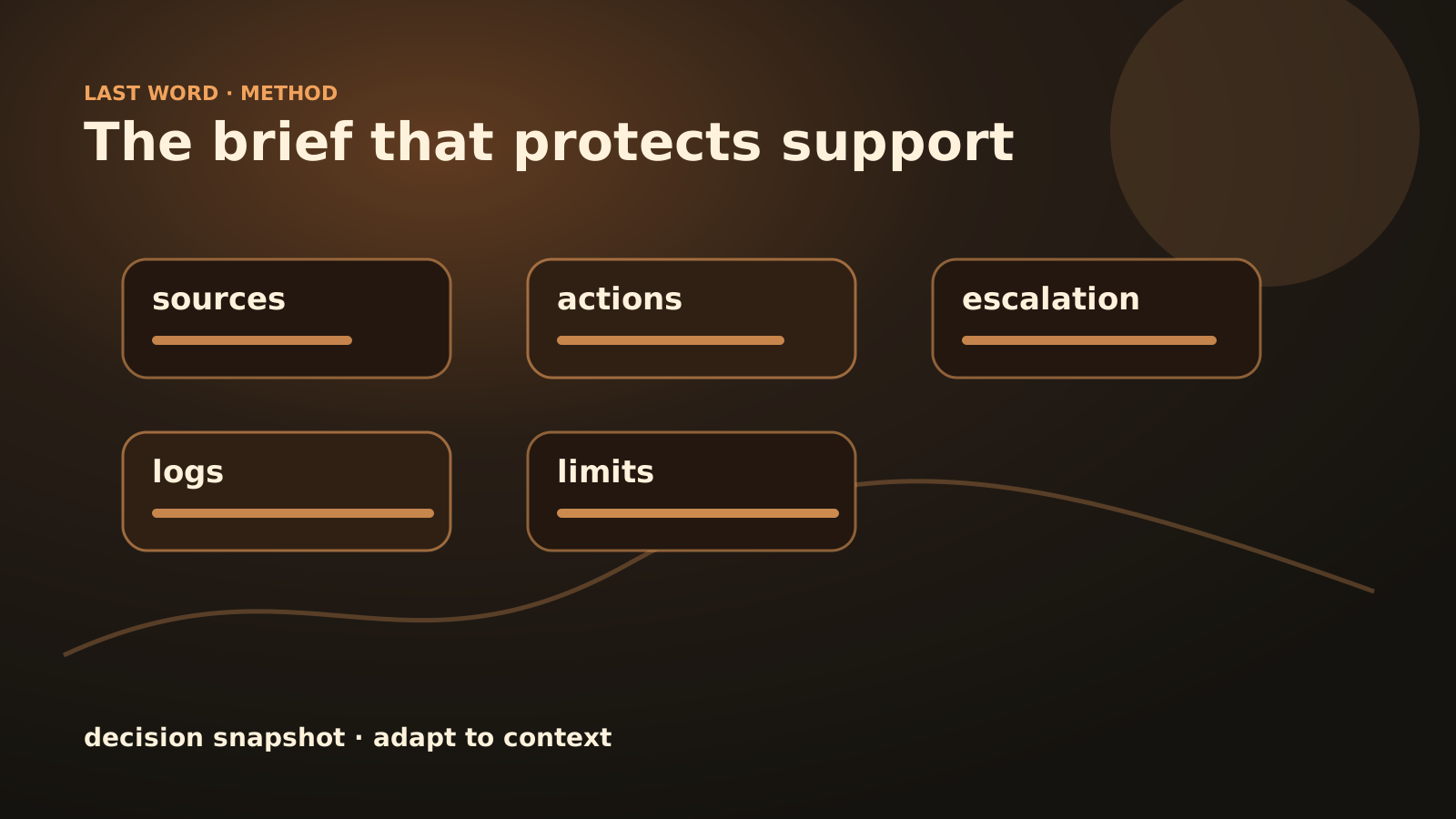
Four lines the brief cannot dodge
- Never does: refunds, commercial promises, contractual decisions.
- Source of truth: CRM, support tool, knowledge base or invoice.
- Escalation moment: doubt, missing data, sensitive customer, unusual tone.
- Proof kept: sources consulted, action proposed, human correction.
FAQ
Does the brief need to be long?
No. For a first agent, two to five well-filled pages are better than a twenty-page document nobody can maintain.
Can we start without a clean CRM?
Yes, if the first scope does not depend on the CRM. Otherwise, you need at least to identify reliable fields and the cases where the agent must stop.
Who should validate the brief?
The business team and the person responsible for support. The technical side can propose the architecture, but it should not invent decision rules.
How Last Word would frame it
Last Word can turn this scoping into a prototype: workflow, source connections, escalation rules, logging and QA. The brief is stronger when it is connected to a method for building an AI agent and to a clear distinction between an AI agent and a chatbot. If you already have a support process to frame, send the context via contact.