
Building an AI agent does not start with a prompt. It starts with a precise task, identified data, authorised actions and a set of real test cases. Without that, the project quickly becomes an attractive demo that nobody can use safely.
The method below is for building a useful first prototype, not a general assistant that claims it can do everything.
Starting point A good first agent should be narrow, testable and easy to stop. If it takes ten meetings to explain its scope, the scope is too wide.
Building an agent starts by shrinking its playground
A good prototype does not prove that AI can do everything. It proves that one small workflow still holds when real cases get messy.
My red line
Building an AI agent does not mean giving it as much autonomy as possible. A good first agent prepares, classifies or proposes. It acts only when the scope is clear and recovery is designed.
Start with an agent that produces a draft or a recommendation. If the action is irreversible, keep human approval in front.
1. Choose a use case small enough to test
The first use case should be repetitive, frequent and bounded. Examples include preparing support replies about billing, classifying incoming requests, extracting information from PDFs, or summarising a customer file before a meeting.
Avoid vague goals such as “improve productivity” or “put AI in support”. They say nothing about what the agent is allowed to do.
A useful formula:
When [trigger], the agent reads [sources], prepares or performs [action], then stops if [escalation condition].Example: when an email arrives in billing support, the agent reads the message, identifies the customer, searches for the requested invoice, prepares a reply and escalates if identity is uncertain or the customer disputes an amount.
2. List the sources of truth
An agent without a reliable source compensates with plausible text. That is exactly what you want to avoid.
Write down the authorised sources: customer database, CRM, billing tool, internal documentation, ticket history, project folder. For each source, define the access right: read-only, limited write, or no direct action.
CRM
Use: Identify the customer Initial right: Read Risk: Wrong contact
Billing tool
Use: Retrieve a document Initial right: Read Risk: Sensitive data
Support base
Use: Standard response Initial right: Read Risk: Outdated document
Email/ticket
Use: Understand the request Initial right: Read Risk: Personal data
If a source has no owner, write that down. It is not a technical detail. It is often where the system breaks later.
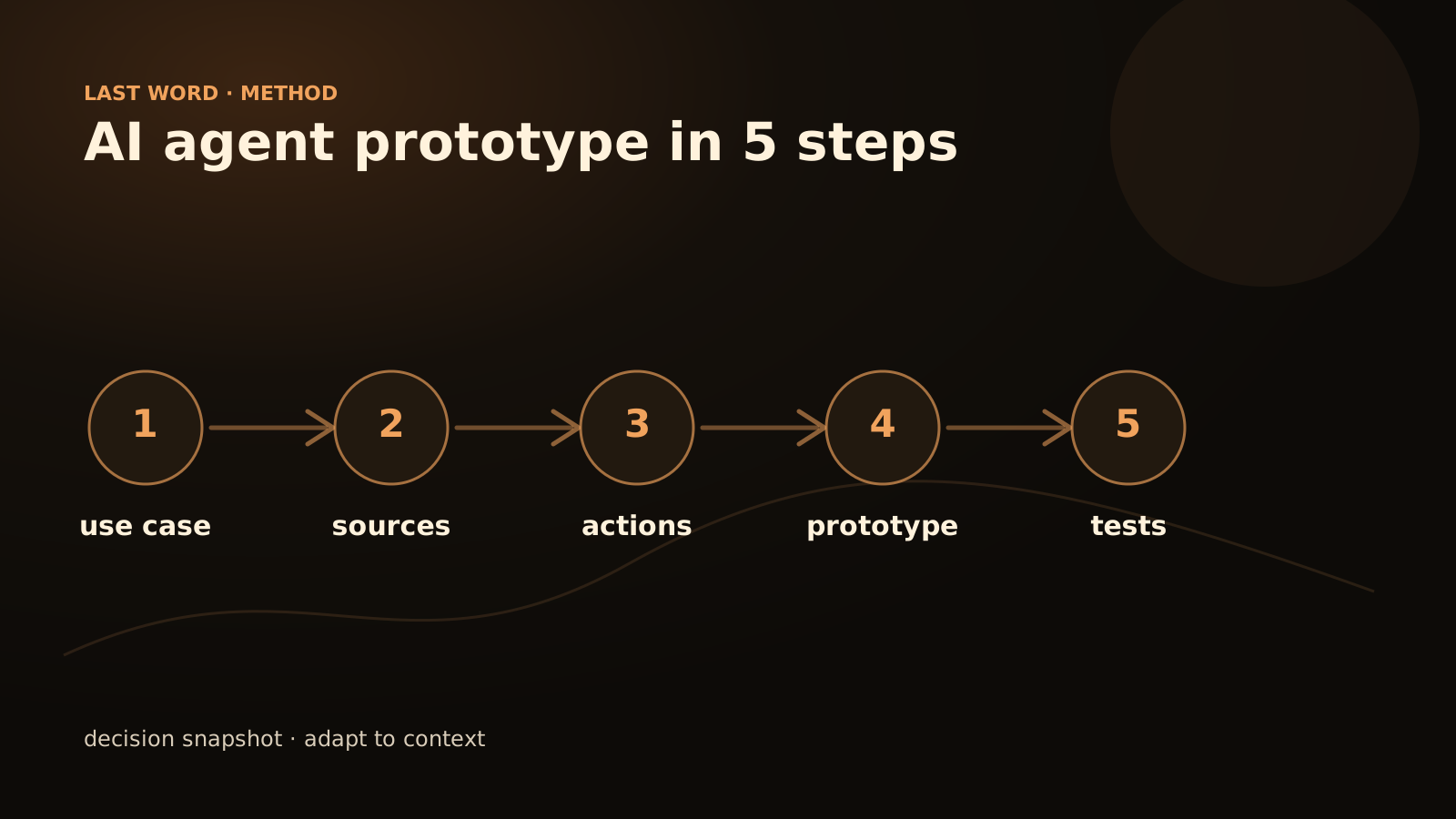
3. Define authorised actions
An agent is useful because it acts, but every action must be bounded.
Start with reversible actions: prepare a response, classify a ticket, create a draft, add a tag, generate a summary, suggest a follow-up. Keep sensitive actions behind validation: sending to a customer, changing a contract, approving a refund, deleting data.
Simple guardrail At launch, the agent can prepare many things, but it should only execute alone when the action is traceable, reversible and low-risk.
4. Build the prototype
For a first prototype, three approaches are common:
| Approach | When to use it | Limit |
|---|---|---|
| No-code | Fast demo, simple flow | Rights and logic become limited quickly |
| n8n / Make + LLM | Visible business workflow | Requires real logging discipline |
| Custom code | Critical or specific process | Longer to set up |
The choice depends mainly on integrations and risk. An n8n prototype can be enough to test an internal agent. A customer-facing agent or a system connected to sensitive data often deserves a more controlled architecture.
5. Test on real cases
Do not test only with three perfect examples. Take 20 to 50 recent cases: incomplete messages, typos, duplicates, ambiguous requests and out-of-scope cases.
For each case, record:
- correct result;
- minor correction;
- correct escalation;
- blocking error;
- missing source;
- unauthorised action proposed.
This log is more valuable than a long ROI discussion. It shows where the agent holds up, where it invents, where it stops too late and where the business rule needs clarification.
System prompt template
This template does not replace the architecture, but it helps frame the behaviour:
You are a billing support agent.

Objective: prepare a reliable response using authorised sources.

Authorised sources: CRM in read-only mode, billing tool in read-only mode, support knowledge base.
Authorised actions: prepare a reply, attach an existing duplicate after identity verification, propose escalation.
Forbidden actions: change an amount, promise a refund, modify a contract, answer if identity is uncertain.
Mandatory escalation: dispute, angry customer, contradictory data, low confidence, out-of-scope request.
Expected output: proposed reply, sources consulted, confidence level, reason for escalation when needed.
The prompt must stay consistent with the real permissions. If the tool cannot verify identity, do not ask the model to pretend that it can.
Moving into limited production
The first production rollout should remain supervised. Keep a human in the loop, at least through sampling, and require a readable log.
A good launch looks like this: reduced scope, minimal access, limited channel, strict escalation thresholds and daily review of errors during the first weeks.
What to avoid
Do not start with a general internal agent. It sounds attractive, but it requires clean documentation, fine-grained access rights and a solid evaluation method.
Do not aim for 100% automation either. The first objective is to prove that the agent handles a real scope correctly and knows when to stop.
The prototype must answer these questions
- What gets in?: the boundary is written before the prompt.
- Which sources count?: the agent does not compensate for missing data.
- Which actions are allowed?: prepare, classify, suggest or trigger.
- Who corrects it?: the improvement loop has a business owner.
FAQ
Should you start with a no-code tool?
Not automatically. A visual tool is useful when the workflow is simple and permissions stay easy to control. When data is sensitive or rules change often, a custom prototype can be safer.
How many cases should you test?
A first batch of 20 to 50 real cases is often enough to expose blind spots: ambiguous requests, missing data, wrong classification and late escalation. Diversity matters more than the exact number.
How is this different from a chatbot?
A chatbot mainly replies to a conversation. An agent reads sources, prepares or performs a bounded action and leaves a trace. If that boundary is unclear, start with the distinction between an AI agent and a chatbot.
The role of Last Word
Last Word can help you choose the first use case, build the prototype, connect sources, set guardrails and measure results on a batch of real cases. Depending on the scope, connect the prototype to AI workflows with human review, process automation or a custom project. If you already have a process in mind, send it through contact.