An AI agent that performs well in a demo can become impossible to operate in production. The issue is not only model quality. It is what you can see, or cannot see, when the agent gets something wrong.
Observability answers simple questions: what request came in, what sources were consulted, what action was proposed, why did the agent escalate, who reviewed it, and what happened next? Without those logs and signals, an AI agent project can quickly become a black box connected to business processes.
An agent without traces becomes unverifiable at the first incident
Observability is not a dashboard for decoration. It answers the uncomfortable questions: what did it read, why did it suggest that, who approved it?
The signal to protect
An agent without observability turns into an operational black box. While it works, nobody looks. When it fails, you need to know which data, rule or step went wrong.
Design traces before production. Adding them after an incident costs more and usually comes too late.
What the team must explain after an incident
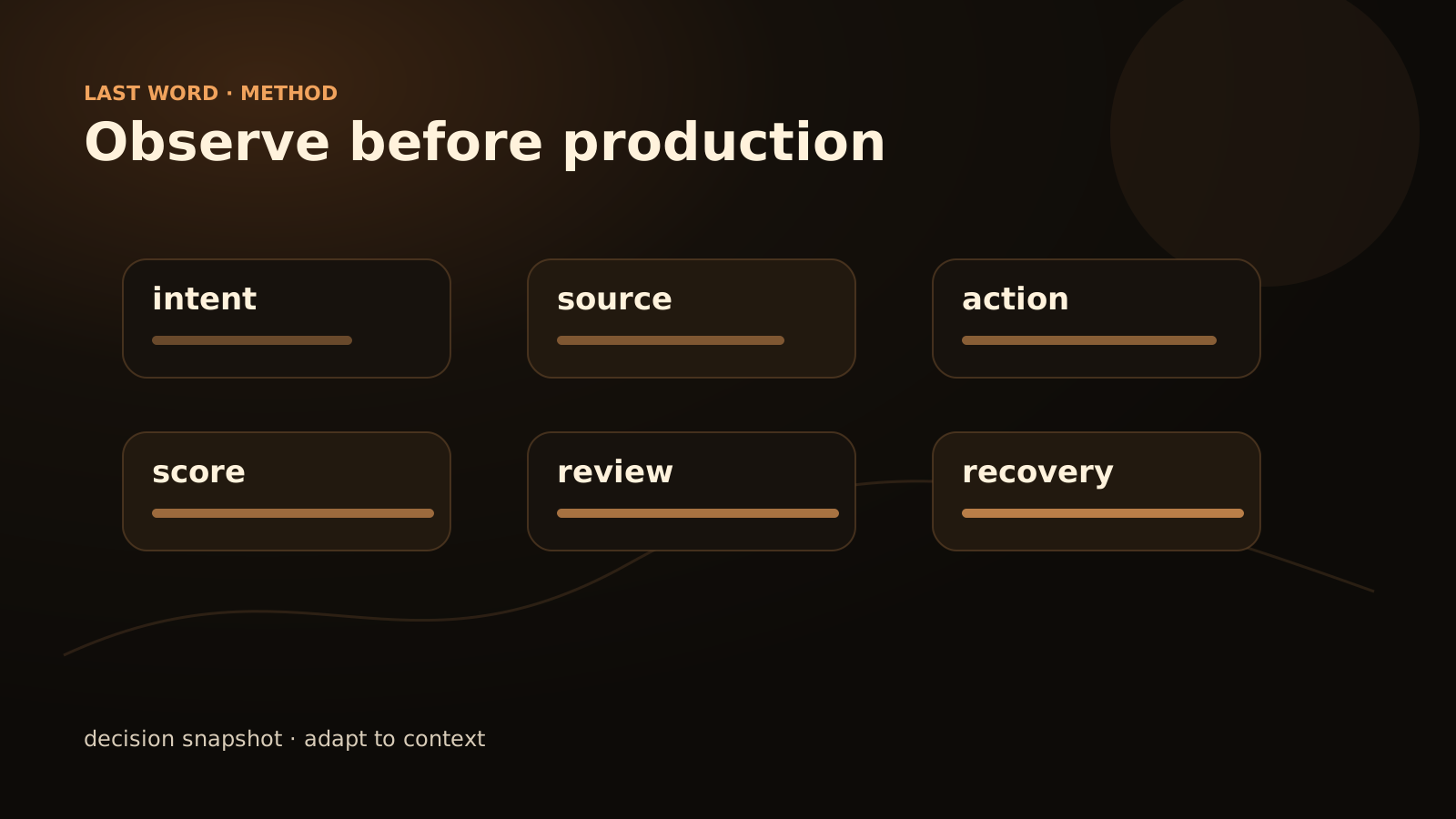
Before production, plan for a log that the business team can read, not only developers. A good agent should trace the input, the context used, the decision, the action, any escalation and the outcome. The goal is not to store everything. The goal is to understand, correct and shut down the system cleanly when it drifts.
If the agent acts inside a workflow, observability must cover the whole flow: trigger, tool called, status, error, recovery. It is the same discipline as for process automation: what is not visible eventually becomes expensive.
Why observability arrives too late
Many pilots start with the interface: a chat, a form, a CRM extension. A few requests are tested, the answer looks useful, and the project moves forward. Logs come later, often when an error becomes difficult to explain.
That is too late. Traces should be part of the initial design because they influence the agent’s scope. An agent that cannot explain which sources it used should not send a customer answer without validation. An agent that does not distinguish a proposed action from an executed action should not be connected to a sensitive business tool.
Observability is not decorative technical plumbing. It is an operating rule. It defines what the team will be able to check on Monday morning, after the system has handled imperfect real cases.
The minimum logs and signals to plan
The log should remain compact. Too much noise discourages reading and hides the useful signals. Start with these fields.
| Trace | Question answered | Example content |
|---|---|---|
| Conversation ID | Which case are we talking about? | Ticket, email, session, file |
| Timestamp | When did the action occur? | Trigger date and time |
| User input | What request started the flow? | Raw message or controlled summary |
| Detected intent | How did the agent understand the request? | Invoice, complaint, follow-up, product question |
| Sources consulted | What supports the answer? | Documents, internal base, CRM, procedure |
| Proposed decision | What does the agent recommend? | Reply, classify, ask for detail, escalate |
| Executed action | What actually happened? | Email prepared, task created, ticket routed |
| Escalation reason | Why does a human take over? | Missing data, contractual risk, low confidence |
| Human validation | Who validated or corrected? | Status, reviewer, comment |
| Outcome | Did the flow complete? | Success, failure, abandoned, manual recovery |
This table does not impose a technology. It imposes a useful conversation between business and technical teams. If a column has no owner, it will disappear from the real system.
What not to log
Observing does not mean absorbing every available piece of data. A log must be proportionate to the risk and the use case. Avoid storing full personal information when an identifier is enough. Avoid keeping entire attachments when a controlled summary and an internal link are sufficient. Avoid mixing technical logs with business notes without a clear rule.
The right question is: what do we need to diagnose an error and improve the rule? If a data point does not serve that purpose, it deserves to be challenged.
For compliance topics, have choices validated by the right people. This article provides a design framework, not legal advice.
Three levels of observability
Not every agent needs the same control. An internal agent that suggests replies is not the same as an agent that modifies a file.
Read
The agent retrieves, summarizes or classifies. Trace sources, intent, internal score and proposed answer.
Suggest
The agent prepares an action. Show the proposed action, the rules applied and the human validation.
Execute
The agent triggers a business action. Track authorization, tool called, status, rollback or recovery.
Execution requires the most discipline. You need to know whether the action was sent, whether it failed, whether it was retried and who can cancel it. Otherwise, the agent creates operational debt: half-finished tasks, invisible states, and failures that are hard to link to their cause.
Useful alerts
Alerts should not ring for every doubt. If they do, the team will ignore them. They should target situations where action is required.
Reasonable alert examples:
- sudden rise in escalations for the same category;
- business source missing or inaccessible;
- critical action refused by a tool;
- repeated request with no resolution;
- abnormal volume on one channel;
- frequent human correction on the same answer;
- attempted action outside the approved scope.
Each alert needs an owner and a short procedure. Who looks at it? Within what timeframe? What can be disabled? What message should users receive? An alert with no owner is just another noise.
The correction loop
Observability is not only there to explain the past. It helps improve the system without improvising.
When a human corrects an answer, the correction should be usable: type of error, missing source, overly broad rule, wrong tone, forbidden action. This information helps decide whether to fix the knowledge base, the prompt, the workflow, access rights or the scope.
Do not try to correct everything inside the model. Many errors come from an unclear process: obsolete document, unwritten business rule, known exception that was never formalized. The agent reveals existing debt. It did not create it, but it makes it visible.
Checklist before production
- The log contains the sources consulted.
- Proposed actions are separated from executed actions.
- Escalation cases are named.
- Tool errors are visible to a human.
- Human corrections are captured in a simple format.
- Sensitive data is not retained without a clear need.
- A business owner can read the traces.
- A technical owner can diagnose failures.
- The agent can be disabled without breaking the whole workflow.
- Alerts have an owner.
If this checklist feels heavy, the first production scope may be too large. Reduce the scope, keep the traceability.
Traces to require before production
- Input: initial request and available context.
- Sources: documents or tools consulted, with version when possible.
- Decision: short reason, confidence level, rule applied.
- Human intervention: approval, correction, rejection or escalation.
FAQ
Do you need a specialized observability tool?
Not always. For a first pilot, a structured log, a tracking board and a few alerts can be enough. The important point is that traces are readable and actually used.
Will logs slow the project down?
They mostly slow down bad shortcuts. A minimal trace prevents hours of diagnosis when a real case falls outside the expected scenario.
Who should read the traces?
Business teams should read decisions and escalations. Technical teams should read errors, tool calls and statuses. If only one group understands the logs, observability is incomplete.
What to keep
An AI agent is not ready because it answers a few examples correctly. It is ready when the team can understand its decisions, correct its errors and take control again. Last Word designs agents and workflows with that constraint from the start: scope, logs, escalation, validation and maintenance. To scope an agent before production, the entry point is simple: contact.