Automating a process does not mean plugging a tool into a habit. If the habit is vague, the automation will become vague faster. If the process is fragile, automation can break it at scale.
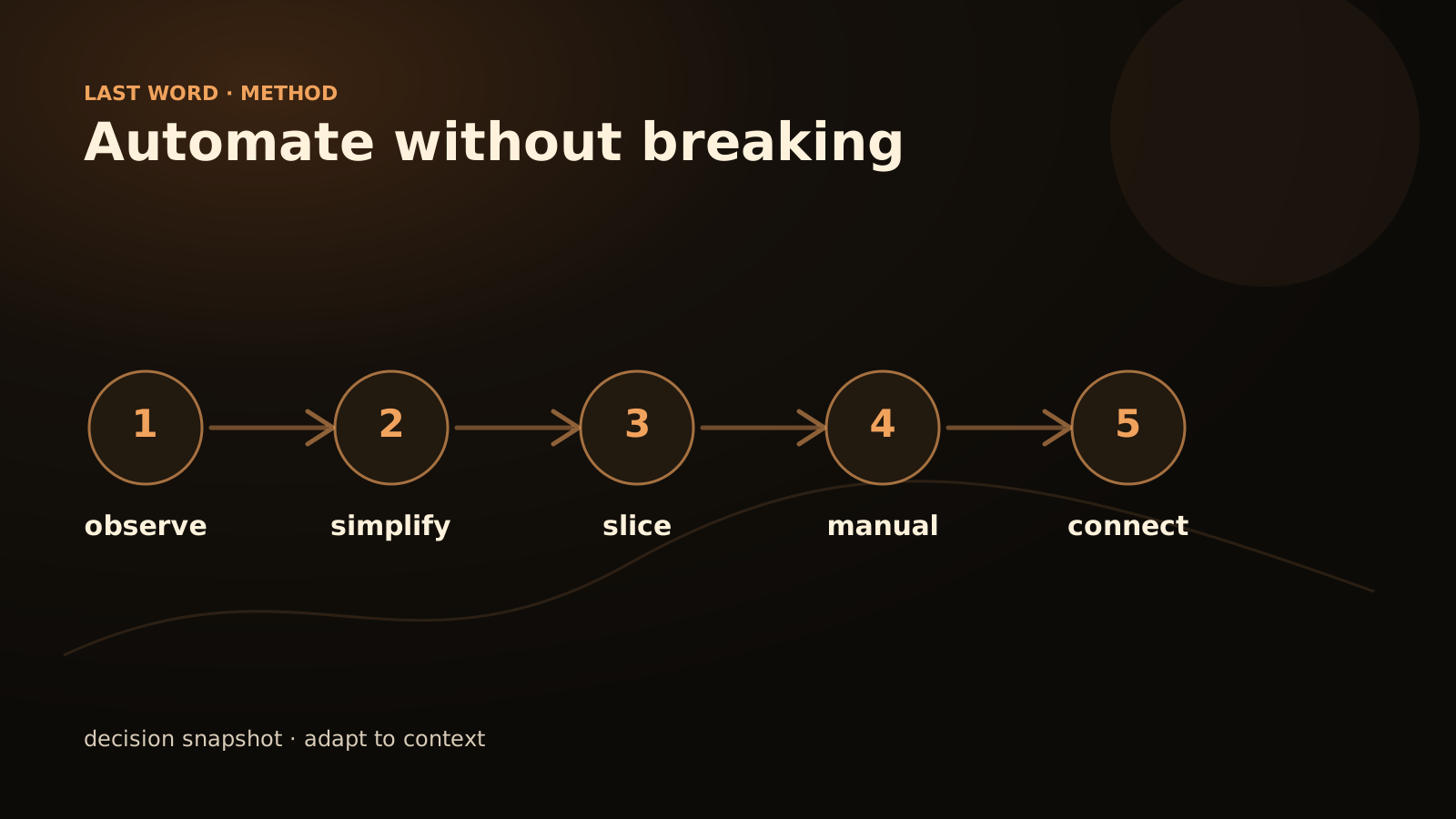
The better approach is simpler: observe, simplify, secure, then automate in pieces. That is the foundation of a well-run process automation project. The tool comes after the diagnosis, not before.
The goal is not speed. It is a process you can repair.
A healthy automation can fail without freezing the business. If the manual route has disappeared, the risk is already too high.
The real risk
The risk is not only that the automation fails. The risk is that it works well enough to hide a flaw: missing data, an unhandled exception, a decision made out of habit. That is why I prefer the first version to be slow, observable and reversible.
Keep a manual exit during the first weeks. An automation you cannot stop cleanly is already too large.
Protect the part that can break
To automate without breaking a process, do not start with the most visible step. Map the real flow, identify the exceptions, choose a reversible action, add logs and keep a manual fallback.
A good first batch respects five rules:
- it has a clear trigger;
- it uses accessible data;
- it produces a verifiable output;
- it can fail without blocking the whole operation;
- someone knows what to do when it fails.
If these rules are not met, the topic is not ready for automation. It is ready for scoping.
Why automations break
Automation rarely breaks because “the technology does not work”. It breaks because the process was not described honestly enough.
The causes are usually concrete: a changed form field, an unwritten exception, an informal check, a different identifier between two tools, no failure status, no named maintenance owner.
Before adding AI or a no-code scenario, you need to know what the process really does. Not what it should do in an ideal procedure.
Map the real process
Start by following a few cases from beginning to end. Note the actions, tools, decisions and workarounds. The goal is not to judge the team. The goal is to make visible what currently works only because people remember it.
Trigger
Useful question: What really starts the process? Risk if ignored: Duplicate starts or forgotten cases
Input data
Useful question: Where is the reliable information? Risk if ignored: Copying wrong data
Decisions
Useful question: Who decides, and by which rule? Risk if ignored: Automating an undefined judgement
Exceptions
Useful question: Which cases leave the normal path? Risk if ignored: Blockage or dangerous action
Output
Useful question: How do we know it is finished? Risk if ignored: Unclear status, useless reminders
Manual recovery
Useful question: What happens if the tool fails? Risk if ignored: Paralysed process
This table is often enough to find the real first project. It is not always where the team first expected.
Simplify before connecting
Automation should not preserve unnecessary complexity. If a step exists only because an old tool required it, remove it before automating it. If two approvals check the same thing, clarify which one matters.
In practice: reduce statuses, name a source of truth, remove double entry, and separate simple cases from sensitive ones. This makes the future workflow more robust. A clean process is easier to automate, test and maintain.
Choose the right first slice
The first slice should not be the most ambitious one. It should be the most verifiable.
Read this matrix as a set of decisions rather than a dashboard:
Good first slice
Copy data from a form into an internal tool: clear trigger, visible output.
Yes, with review
Classify an inbound request if the categories are stable and reviewed at the beginning.
Avoid at launch
Automatically sending a sensitive customer email: too much tone, context and commitment.
Good first slice
Create an internal task after signature: reversible action, easy to trace.
Validation required
Changing a contract or invoice: critical action, never fully automatic at the start.
Good AI use
Summarise a file for a colleague: the human keeps the decision.
Look for actions that remove friction without removing judgement. Internal tasks, preparation, classification and alerts are often good starting points.
Keep a manual mode
An automated process must be able to return to manual operation. This is a safety rule, but also a quality rule.
If the workflow fails, the team must know:
- which case is affected;
- which step failed;
- which data is missing;
- which action has already been taken;
- which action remains to be done;
- who takes over.
Without this recovery mode, a small error becomes an investigation. And when every error requires an investigation, the team eventually disables the automation.
Install guardrails
Guardrails are not only for complex systems. Even a simple scenario needs limits.
Checklist before launch:
- The workflow has a business owner.
- The trigger is unique or deduplicated.
- Access is limited to what is strictly necessary.
- Sensitive actions require validation.
- Errors produce an understandable alert.
- Unnecessary personal data is not stored.
- Statuses are visible to the relevant team.
- The manual mode is documented.
- The workflow can be stopped quickly.
- A review is planned after the first feedback.
This checklist prevents a classic mistake: delivering an automation that works in the demo, but not during a real working week.
Where AI can help without weakening the process
AI can help when the process receives unstructured information: emails, attachments, long requests, internal notes, web pages, conversations. It can extract, summarise, classify or suggest the next step.
But it should not decide alone on a sensitive action. A well-designed AI agent works within rules: authorised sources, permitted actions, escalation, human validation and logging. AI adds flexibility on the input side. The workflow provides stability on the output side.
Reasonable examples: reading an email and suggesting a category, extracting useful fields from a document, preparing an internal reply, detecting an out-of-scope request, or flagging an inconsistency between two sources. The value comes from AI plus process, not from the model alone.
Test with imperfect cases
A test that is too clean does not prove much. Real processes contain typos, missing documents, duplicates, urgent cases and poorly phrased requests.
Prepare a small test batch with deliberately imperfect cases:
- Nominal case — check the simple path.
- Incomplete case — check the clarification request.
- Duplicate — check deduplication.
- Contradictory data — check escalation.
- Sensitive action — check blocking or validation.
- Tool error — check manual recovery.
The test should look for breaking points. A pilot that reveals a limit is useful. A pilot that hides limits prepares an incident.
Move to production progressively
Production can happen in levels.
First, the workflow observes and proposes without acting. Then it executes on an internal, reversible scope. Then it opens a few simple cases to automatic execution. Sensitive cases remain under human validation.
This progression builds trust from traces, not impressions. The team sees what the system does, where it fails and how it is corrected.
Last Word works precisely on this framing: choosing the right first process, designing the workflow, connecting tools, installing guardrails and adding AI only when it adds value. To discuss a concrete case, use contact.
What must stay visible after automation
- Input: where the case starts and who can restart it.
- Decision: which rule turns input into action.
- Exception: where weird, incomplete or contradictory cases go.
- Rollback: how the team takes back control without rebuilding everything.
FAQ
Should a process be automated before it is documented?
No. You need at least the trigger, inputs, outputs, exceptions and owner. Otherwise automation will reveal the ambiguity at the worst moment.
Is a no-code tool enough?
Sometimes, especially for a simple internal flow. Once rules, logs or AI become important, a more structured architecture may be preferable.
How do we know if the first batch is too large?
If it touches several teams, several critical tools and several sensitive decisions at the same time, it is probably too large. Reduce the scope.
What if the current process is bad?
Do not automate it as it is. Simplify one part, test a target flow and keep the rest manual until the rules are clearer.